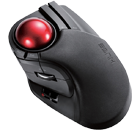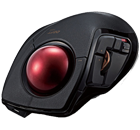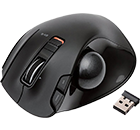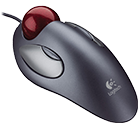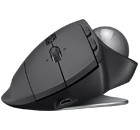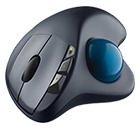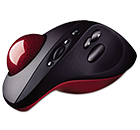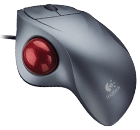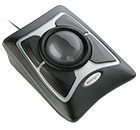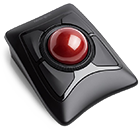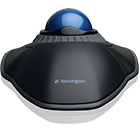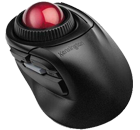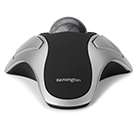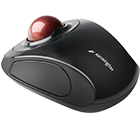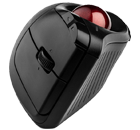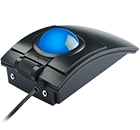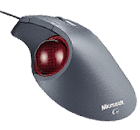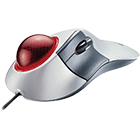





When choosing which trackball mouse is best for you, you need to take into consideration your usage and hand configuration.
If you’re using the mouse for gaming or graphics, you will want a mouse that is technologically advanced in optics. The reason for this is an advanced optics mouse is going to be much more precise in its movements (great for graphics) and much more responsive to the smallest movement of the user (great for gaming). For instance, Microsoft has a mouse that scans 1500 scans per second. This is a very responsive very precise instrument that will handle itself well in both graphics and gaming capacities.
If you are just looking for a nice comfortable mouse that will get you in and about the web without need of such precise movements, you may want to downgrade the optical features to a less costly version that is still capable of handling your requirements.
The trackball mouse comes in ergonomic and non ergonomic styles. You will need to decide of the more expensive ergonomic designs are worth the extra cost to you. If you frequently spend time on the computer, you may want to consider the ergonomic designs as they will make computer work much less stressful on your hand, wrist and arm and will minimize the fatigue you feel when working long hours.
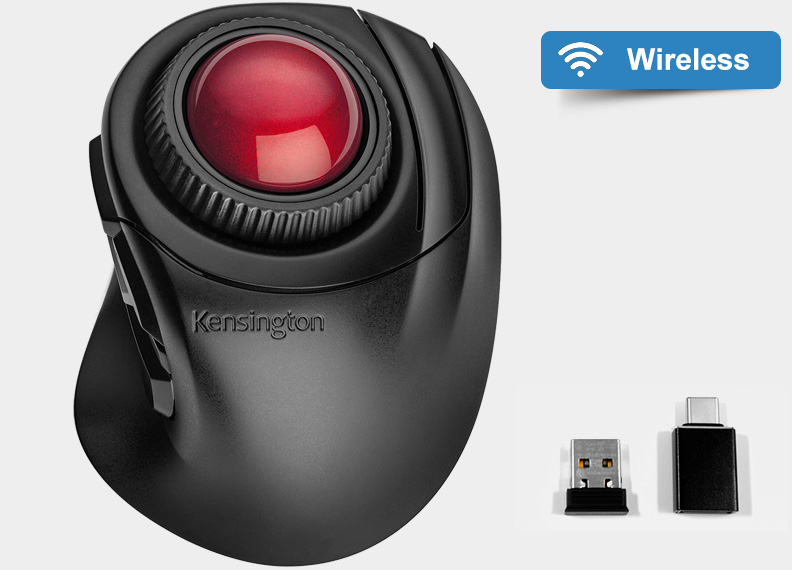
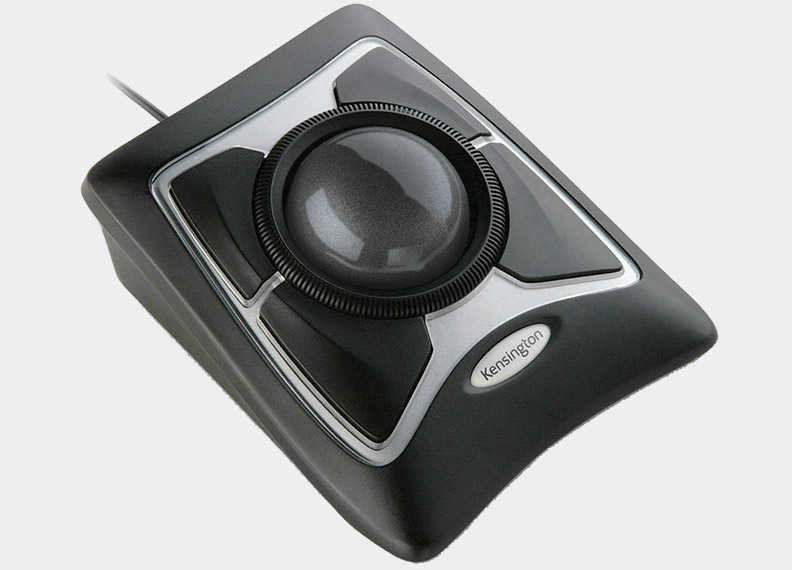
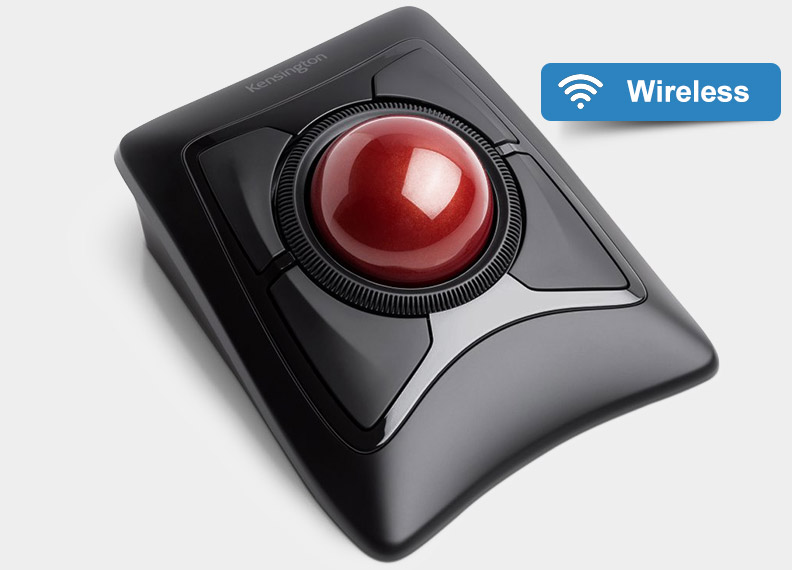
A trackball mouse has many benefits; if space is of minimal quantity, a track mouse is definitely for you. Whereas the traditional mouse needs to roam and needs its own mouse pad to travel, a track mouse needs neither. It will sit stationary on any surface as all of the rolling is done on the top rather than the bottom. The trackball is placed within easy reach, especially on ergonomically designed trackball mice, where the ball is located within easy reach of your thumb. The buttons are also placed well on the mouse so your fingers are not stressed in reaching for them.
Trackball mice come in all sizes and configurations. Ergonomic mice are shaped specifically to fit a hand and in looking for one of these to purchase you will want to wrap your hand around many of them in order to find out which mouse fits your hand shape best. This is especially important if you are left handed, as a right handed ergonomic mouse will never work for a left handed user with any efficiency.
You will also want to consider the amount of space you have. If you have a good amount of space, you may opt for the larger more hand friendly mice, whereas if you have a very small space, you will want to purchase a small trackball mouse, if not a mini trackball mouse.
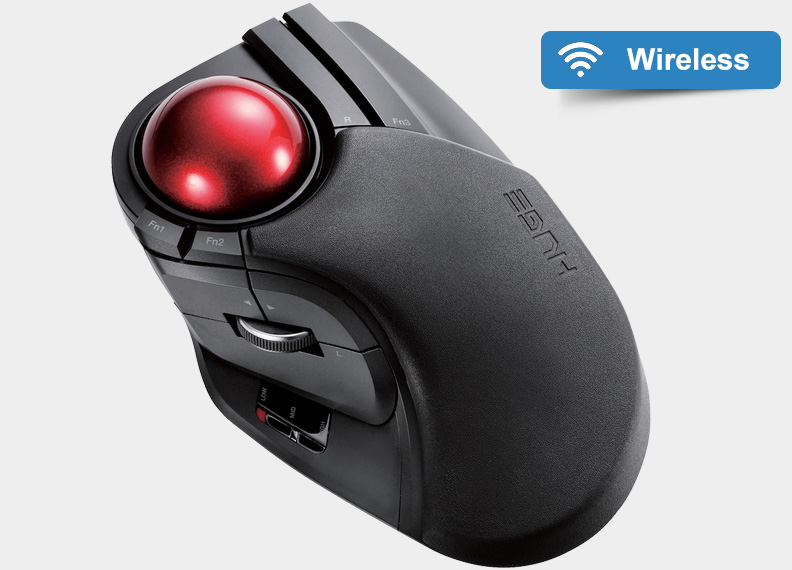
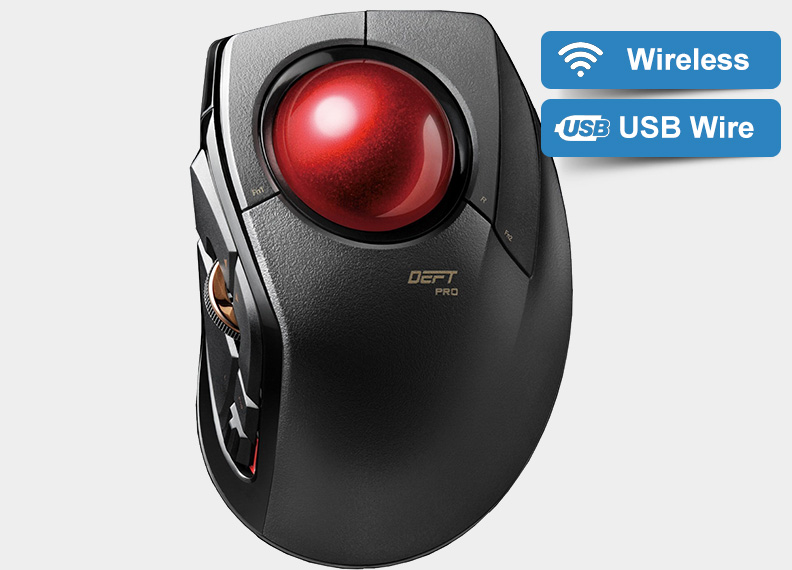
The ergonomic trackball mice from multiple manufacturers are designed with a few things in mind. The shape is dictated by the natural shape of the hand; the bending points and most comfortable positions. The buttons and track ball are also designed with the shape of a hand as the determining placement factor.
There are many different sizes of ergonomic trackball mice and it is a good idea to let your hand rest on many examples before settling on the one that you like best. In a case like this, ordering online might net you a lower price for something that doesn’t fit your hand as well as one that you might have paid a slightly higher price for and tried before you purchased.
Ergonomically designed trackball mice are designed for comfort, in order to reduce the stress on not only your hand, but your wrist and arm all the way up to your shoulder. The repetitive movements required by a regular mouse can cause stress the full length of your arm, causing premature fatigue and in the long run possibly joint and tissue issues. Purchasing a trackball mouse now might be a little more expensive than a traditional mouse, but it can save you in the long run, making you more viable for longer hours at the computer and saving you the pain and inflammation of irritated joints and tissues caused by prolong use.
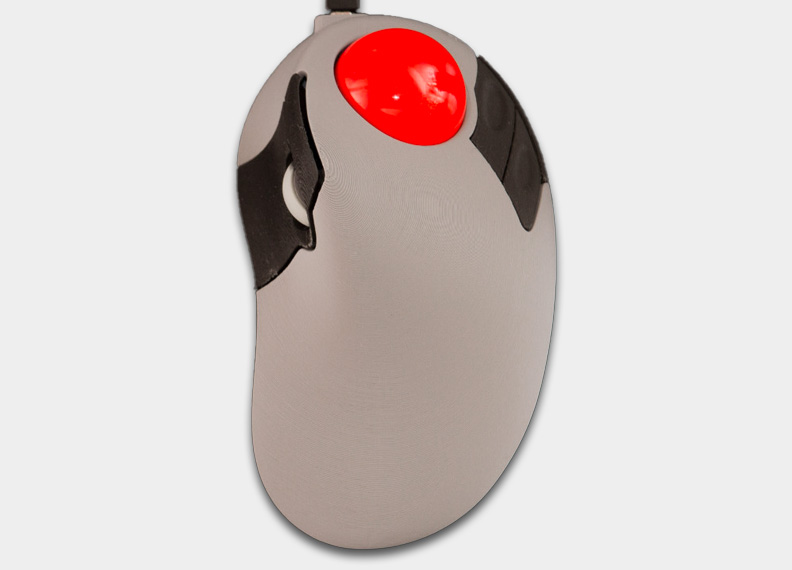
The Lynx R15 is shaped in such a way that it is comfortable for both the right hand and left hand user; the large 46mm red track ball is centered at the top giving easy fingertip movement with the two buttons located on either side. The scroll wheel is located conveniently on the side where thumb or finger movement easily controls your scroll feature. This trackball mouse installs easily using an available USB interface port on either your desktop or your laptop.
This device is easy to use in small spaces as it has a small footprint and does not require movement. All movement takes place within the use of the trackball itself the buttons and the scroll wheel. Because this is an optical trackball mouse, it is very responsive to the slightest movement, it also minimizes cleaning and signal degradation caused by lack of cleaning. You will not experience the skips and jumps created by traditional mice that have the roller underneath ready to pick up debris like a magnet and press it against the rollers. The Lynx R-15 will work with not only Windows XP and Vista, but also with Macintosh OS X and above with no additional drivers or software required.
This is a nicely sized, good looking, durable, quality mouse for a competitive price that is versatile enough to handle all of your mouse needs; it is encompassed in high impact plastic to ensure long term use.
The mouse, in its most simplistic form, appeared on the computer scene over forty years ago. It has had an inconsistent road of evolution since then, sometimes staying stagnant for long periods before a new technology comes onto the market.
Here is another unique jump in technology, it’s called the ‘Rolee Polee’. This little mouse wraps itself around your index finger and presents your thumb with not only the trackball, but also the two control buttons. The enter button is conveniently located in front of your index finger in almost a trigger fashion. With this little device, you will have no more need for a mouse pad or a place to put it. You do not need to stretch your arm out and twist your wrist into multiples of positions in order to achieve the response required on your computer screen. You have but to move your thumb between the trackball and the two buttons and let your index finger take action.
The only downfall of this little device is that it is still corded to your computer. But it’s only a matter of time before this cute little ball of versatility is no longer tethered, but free to work with you unfettered by tangles of cord and limited mobility.
There appears to be many ‘me too’ manufacturers of mini trackball mice. Most of them have names that are not recognizable and their prices reflect the quality of the product. This can be a buyer beware market as it is cutting edge technology that lends itself well to the laptop community that is currently growing much faster than the desktop community.
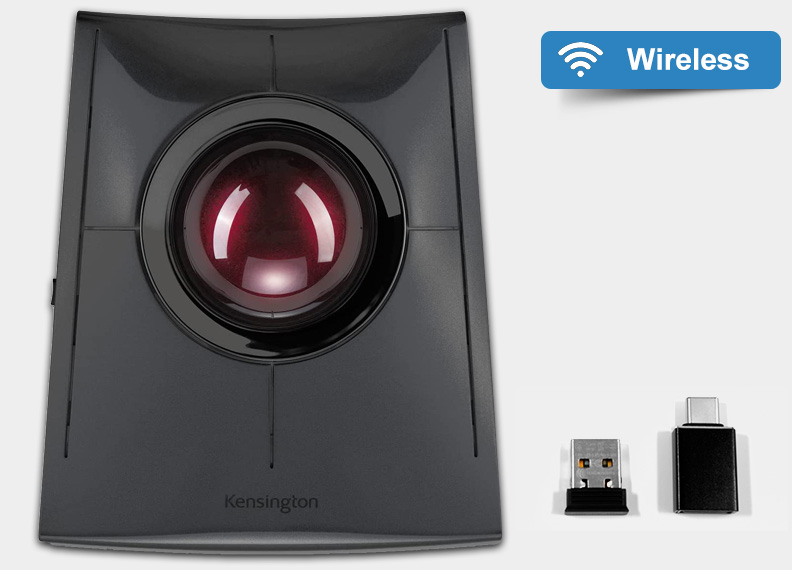
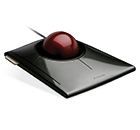
The Kensington SlimBlade Bluetooth Trackball Mouse is at the top of this group, it is wireless, battery driven by two AA batteries with up to a six month life span and the ability to warn you when the batteries are low. This mouse is responsive and easy to handle. You never have to worry about turning it off, as it goes to sleep when your computer does.
The SCT Micro Trac 600 has three programmable buttons located on the top. The miniature track ball is centrally located. This trackball is a good replacement for your touchpad and uses the PS/2 port or serial interface port on your computer.
A new and interesting contestant in the mini trackball field is the finger mouse. This mouse literally fits over your index finger, the track ball is controlled by your thumb, as are the two buttons, the enter button is a trigger button located inside the finger hole, triggered by your index finger. This would work great in a situation like being in a plane or other tight quarters. It is currently corded so that would be a feature to look forward to.
If you travel on a frequent basis, you will probably want a mouse that will work efficiently in a small space. The Kensington SlimBlade Bluetooth Trackball Mouse may be just what you’re looking for. This is an efficient mouse with reliability and sustainability.
Logitech has long been a leader in the field of computer mice. They have been in this market since the beginning with the ever simple roller ball mouse corded to the computer. They are still well embedded in the market with their current crop of mice. These range anywhere from a simple mouse of low cost all the way up to cutting edge track and optical mice when precision, durability and comfort are important. Logitech has been in the business a long time and you can be assured they will be around in the future.
Microsoft also has a large part of the mouse market, they have a wide range of mice from the simple, inexpensive track mouse all the way up to their premier optical track mouse that scans at a blazing 1500 scans per second. Comfort is always built into their upper end trackball mouse, as is speed, accuracy, durability and compatibility. You can’t go wrong choosing a trackball mouse by Microsoft.
The Microsoft Trackball Optical Mouse has been ergonomically designed with an arch shape to support your hand comfortably and naturally, be it a large or small hand. The natural balance of your hand while the mouse is in use creates much less stress on not only your whole hand, but your arm all the way up to your shoulders. This reduction of stress translates to a reduction in fatigue and more workable hours.
Because this mouse is optical, there are no rollers or gears to get dirty. It is responsive, the IntelliEye optical sensor scans 1,500 times per second, giving you precision with a minimum of movement. The movements across your screen will be smooth and fluid, not jumpy or jittery as in the old style mouse. You can move backwards and forwards in your internet browser without movement, just the click of a button on your mouse.
If you would rather the two buttons have other functions (such as cutting and pasting) you can reassign them to those tasks, in fact, with IntelliPoint software that is included with the mouse, you can reassign any function you wish, including the main function. You have five buttons and the trackball available for assigning; this mouse is capable of being totally optimized to your particular needs and conditions.
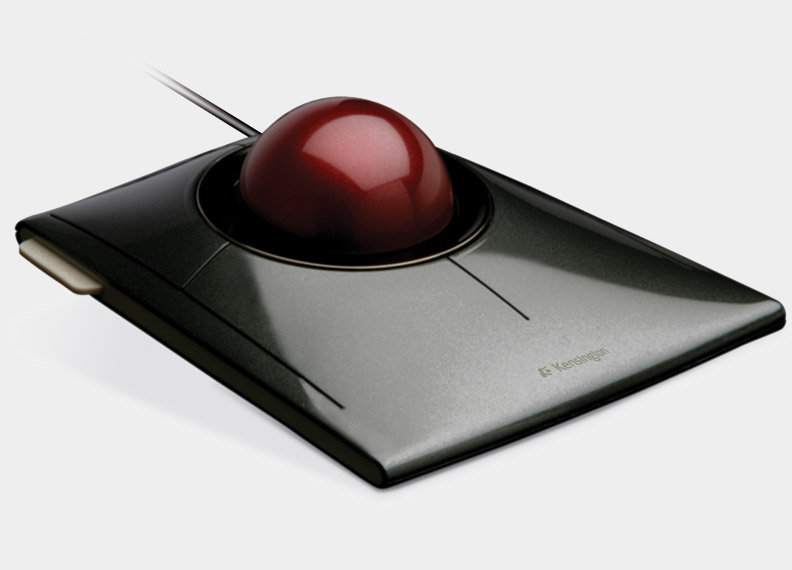
The Kensington SlimBlade Bluetooth Trackball Mouse does not have a competitor in its field. This mouse is incredibly thin and can fit where most track mice can’t. If you’ve ever tried to use your laptop computer on an airplane with the fold down table, you can understand your limitations. A regular mouse isn’t even an option unless you can talk the person next to you into dropping down their table too. You may even have to do that with a regular sized trackball mouse, but not with the SlimBlade. This mouse can fit into the tightest of spots. It is precise in its movement and intuitive in its scrolling functions.
With its Bluetooth wireless technology, you leave your USB ports open to any other devices you may want to connect. You also have the benefit of not having a wire to worry about controlling.
This mouse is powered by two double A batteries that can have up to six months of working life. The mouse has the capability of telling you when the batteries are running low via a little indicator light. You never have to worry about turning off your mouse because when your computer goes into its sleep mode, your mouse follows suit.
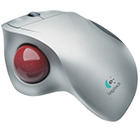
This will depend a great deal on how you wish to utilize the trackball mouse. The difference between a regular mouse and the Trackman mouse is more form than function. The regular mouse had a ball on the underside of it that moves along a surface such as a mouse pad (an optical mouse moves the same way but replaces the ball with optics). The Trackman Trackball mouse has the ball on the top side, this means the mouse stays stationary and you move the ball itself with your finger.
If you are using a laptop and or you have limited desk space, the Trackman Trackball mouse is perfect for your needs. You can set it in one spot and perform all the tasks a normal mouse needs room for. Because the mouse stays stationary and is large enough to rest your hand completely, you have much less stress on your arm, fingers, and elbows; this allows for longer use time with less fatigue.
If you are a gamer, the Trackman Trackball mouse is superb, it is responsive, comfortable and easy to use (unless you are left handed). It is accurate and responds to even your slightest movement. Because the ball is under your thumb, the control is in that much more delicate, controlled member, rather than in your wrist which is a much more ‘broad stroke’ set of muscles.